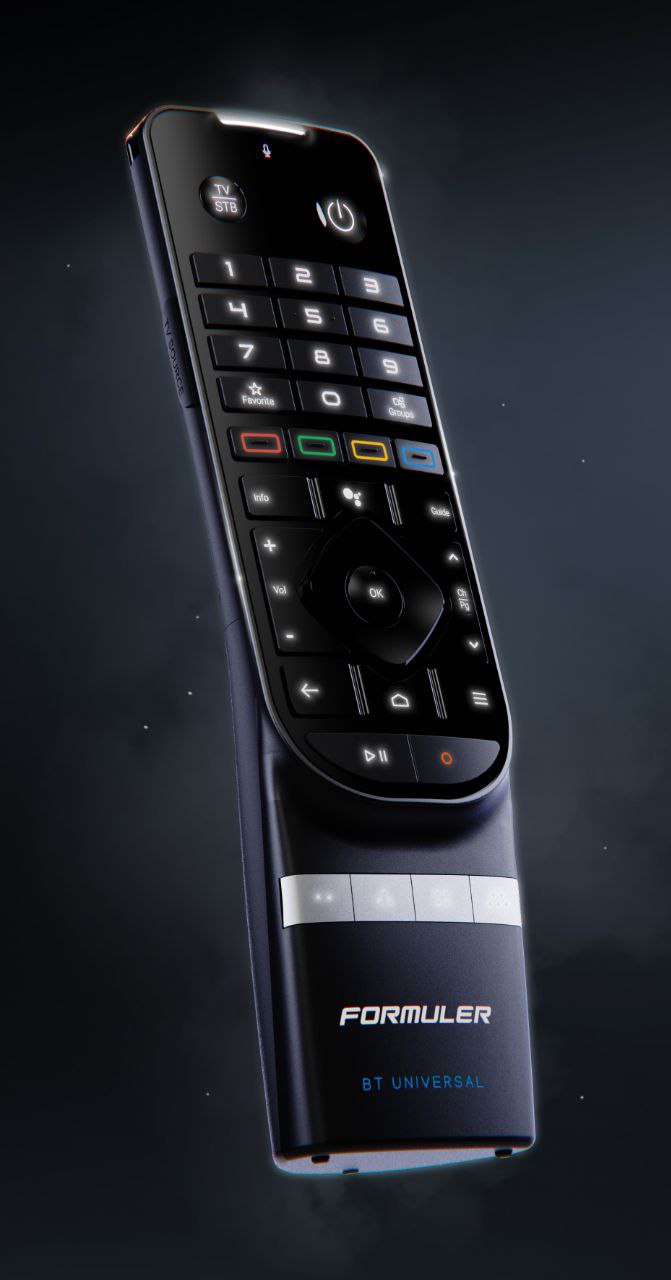
Button backlight
Key buttons remain visible in low light and the backlight can be managed in the remote settings.
Remote controls
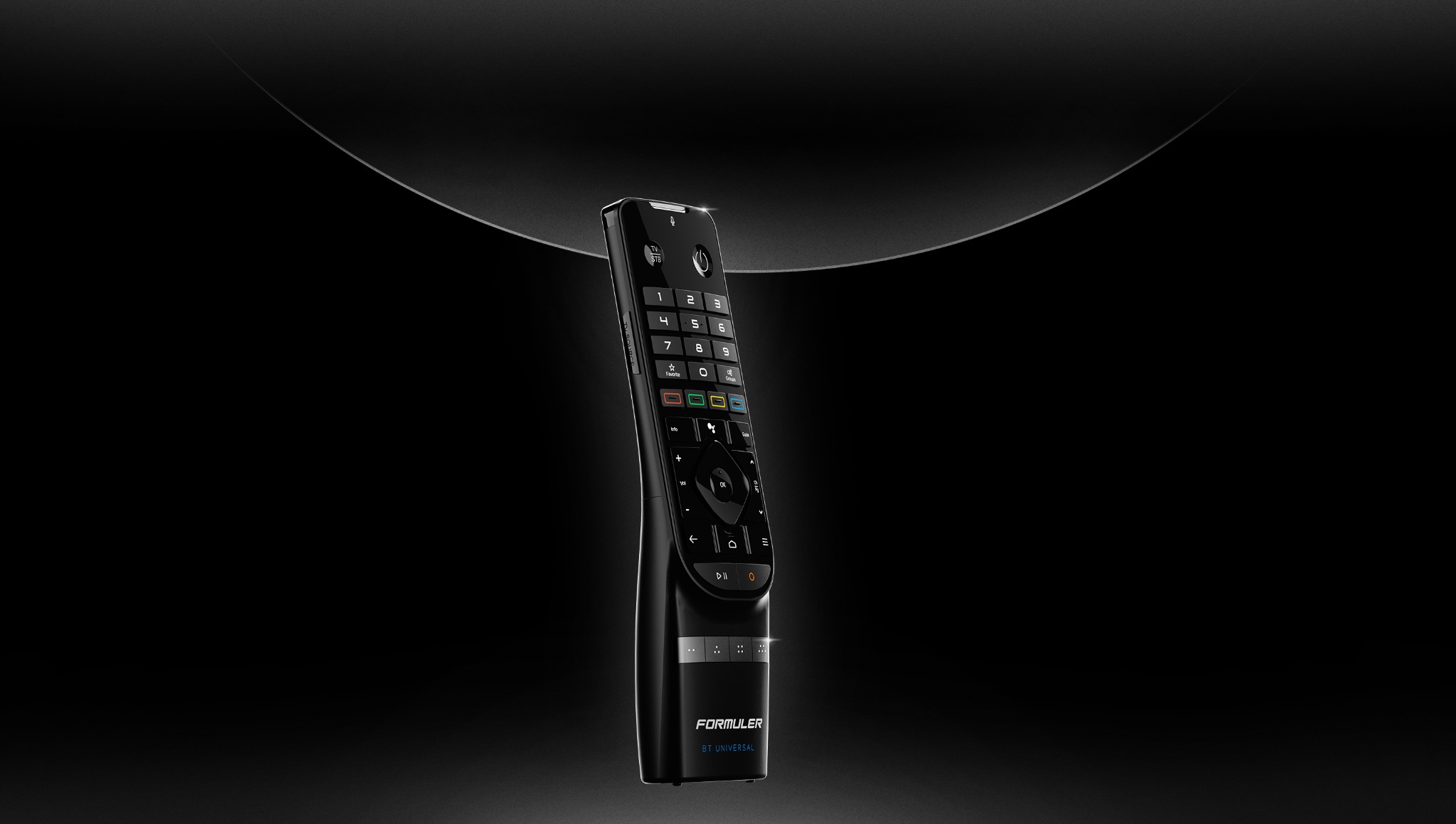
Choose the advanced backlit GTV‑BT3, the Bluetooth GTV‑BT1 or the classic GTV‑IR1.
Three choices
GTV‑BT3 and GTV‑BT1 use Bluetooth, while GTV‑IR1 is a classic programmable infrared remote.
Advanced model
A backlit Bluetooth voice remote with a search function and detailed settings.
Key buttons remain visible in low light and the backlight can be managed in the remote settings.
On a supported Formuler device, search makes the remote play a sound so it is easier to find.
There is no need to point the remote directly at the Formuler device.
The built-in microphone enables voice search in a compatible environment.
Three marked buttons can be assigned to frequently used actions.
Settings and remote firmware are managed through the Formuler Remote app.
Find My Remote, backlighting and other features depend on the Formuler model and software version.
Photos
Select an image to enlarge it.
Proven model
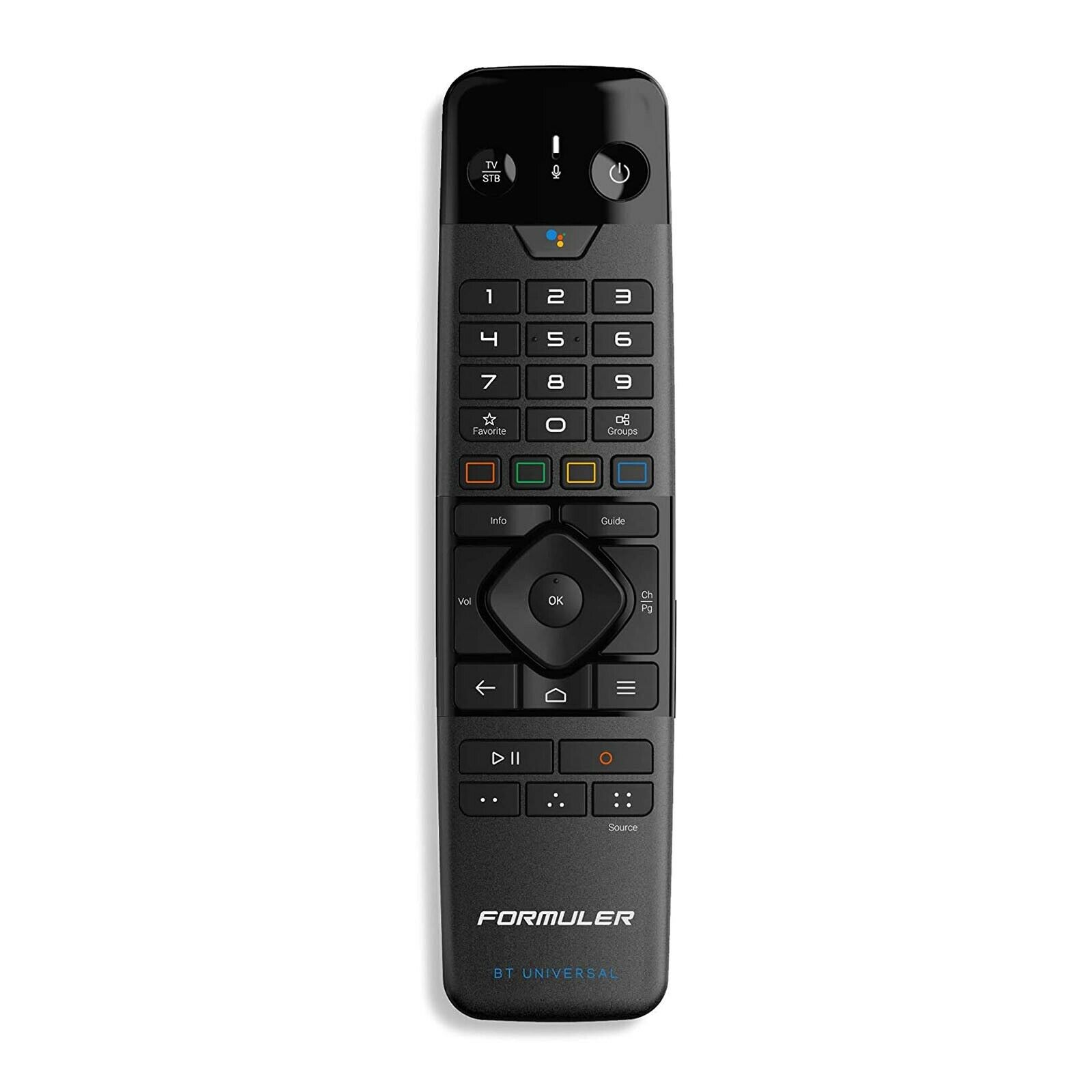
A Bluetooth voice remote with universal IR control, programmable buttons and mouse mode.
Commands are transmitted without pointing the remote directly at the device.
The built-in microphone enables voice search on a compatible Formuler device.
Programmable IR buttons cover essential display and Formuler functions.
Colour and other buttons can be assigned to frequently used commands.
Helps with parts of apps that are not well adapted to directional buttons.
Remote firmware can be updated through a compatible Formuler device.
Compatibility and individual functions depend on the Formuler model and software version.
Photos
Select an image to enlarge it.
Infrared remote
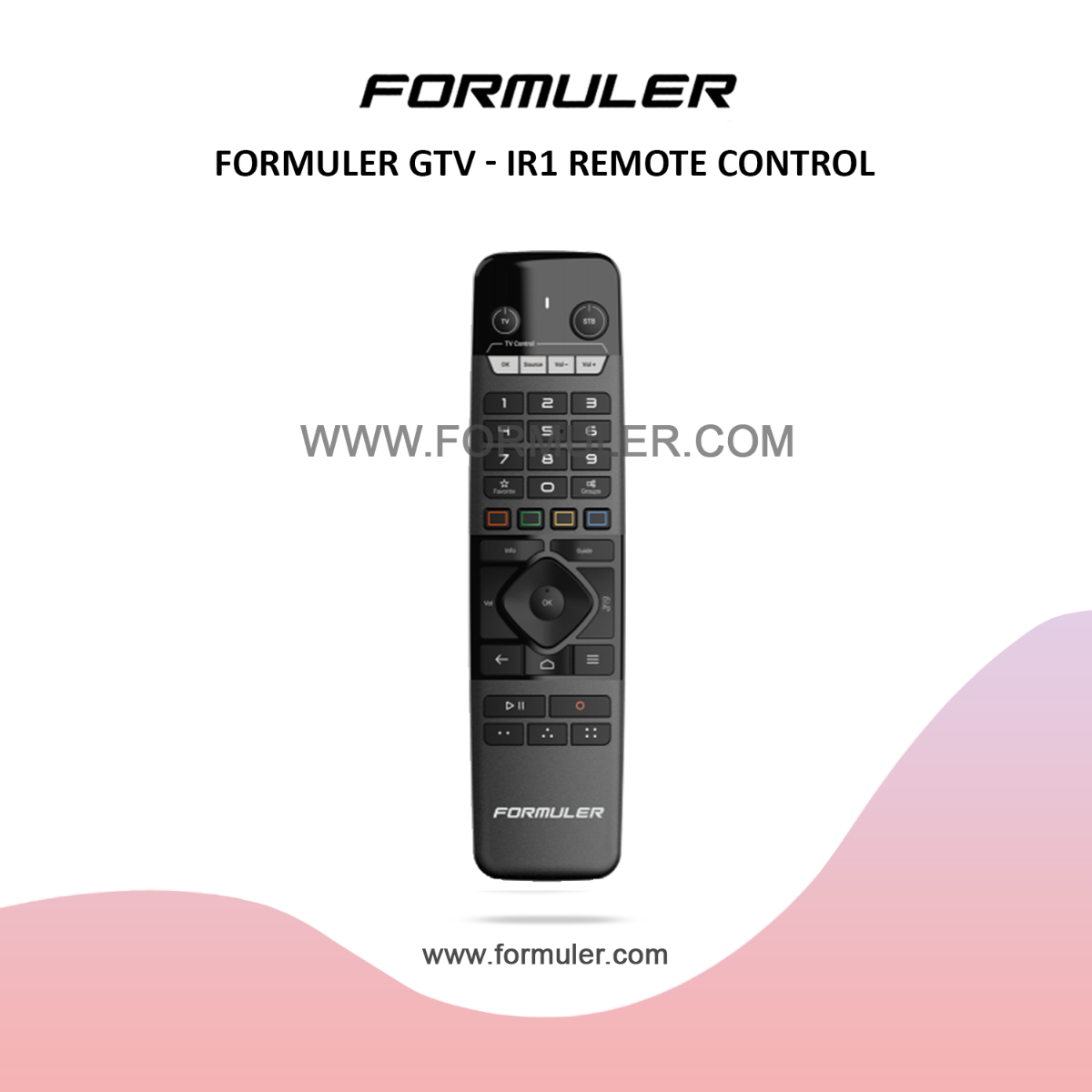
An ergonomic IR remote with learning and programmable shortcut functions.
The remote uses standard IR and must be pointed at the controlled device.
It can learn essential commands from another remote, such as power, volume and input.
Number, navigation, colour and playback buttons are grouped for everyday use.
Frequently used actions can be assigned in the Formuler Remote app.
In compatible apps, the D‑Pad can control the pointer and scroll in four directions.
Suitable for many Formuler models; check exact compatibility for your device.
Exact compatibility and the number of programmable commands depend on the Formuler model and the other controlled device.
Photos
Select an image to enlarge it.
Ask us
Tell us your Formuler model and we will check compatibility and recommend the right remote.